Your ideas. A clearer presentation.
Type a topic or import a document. AI writes the outline, you edit it right on its cards, then the slides are generated. Export an editable PPTX.
Free plan · No credit card · Editable PowerPoint
Simulated demo — create a free account to generate your own deck.Sign up free to make yoursDownload sample PPTX
- original templates
- 8original templates
- layout kinds, from cover to roadmap
- 10layout kinds, from cover to roadmap
- interface languages
- 4interface languages
- free AI slides every month
- 30free AI slides every month
Structure first. Slides you can keep working on.
Review the story first
Start with your notes and check the outline. Reorder ideas, fill gaps, and decide what belongs before generating slides.
Choose a considered layout
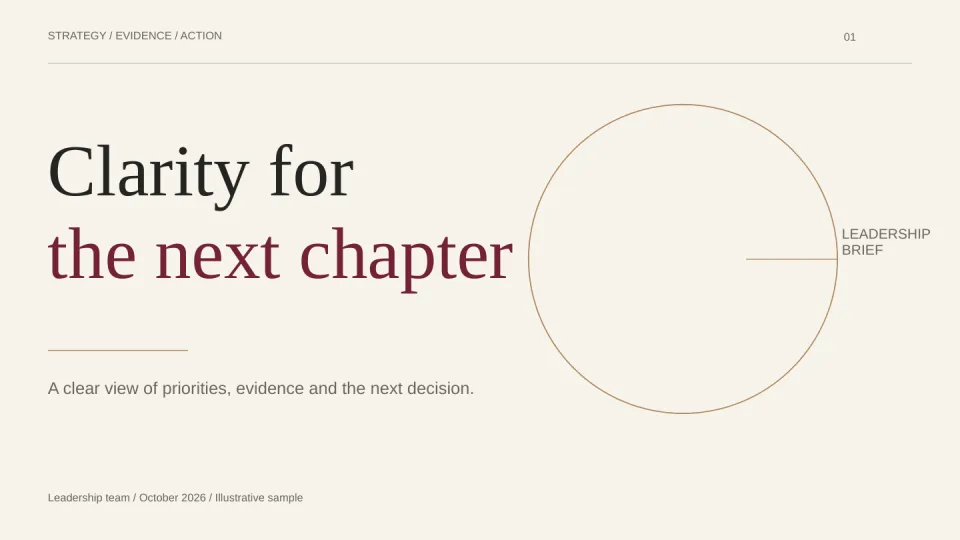
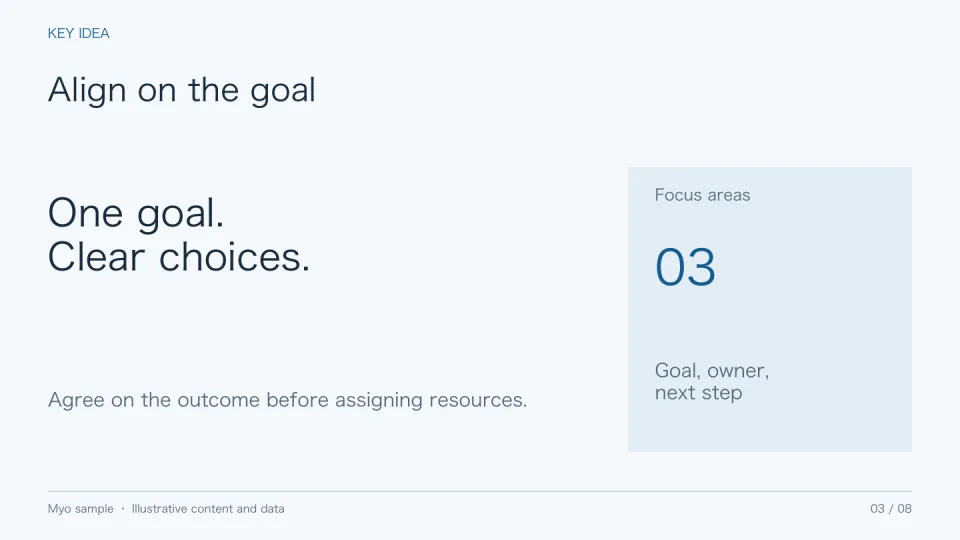
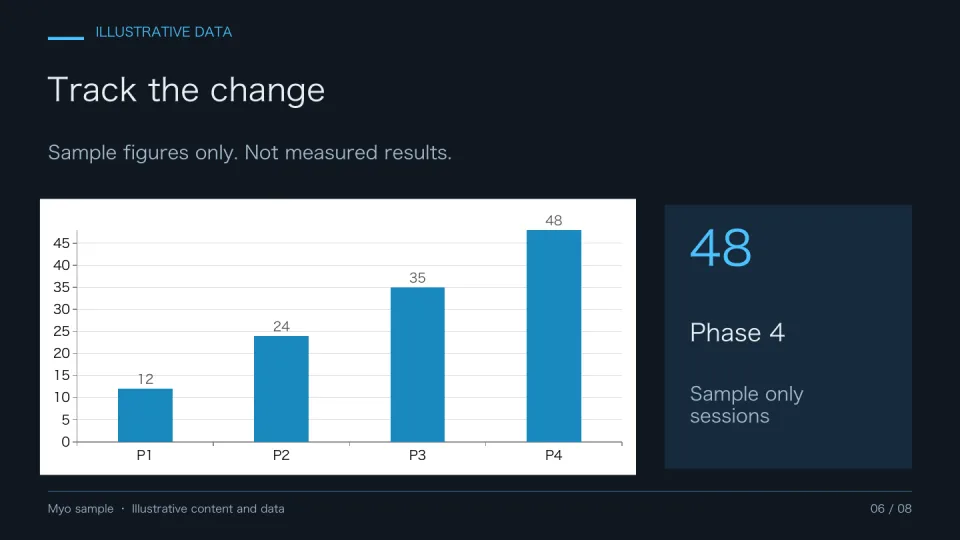
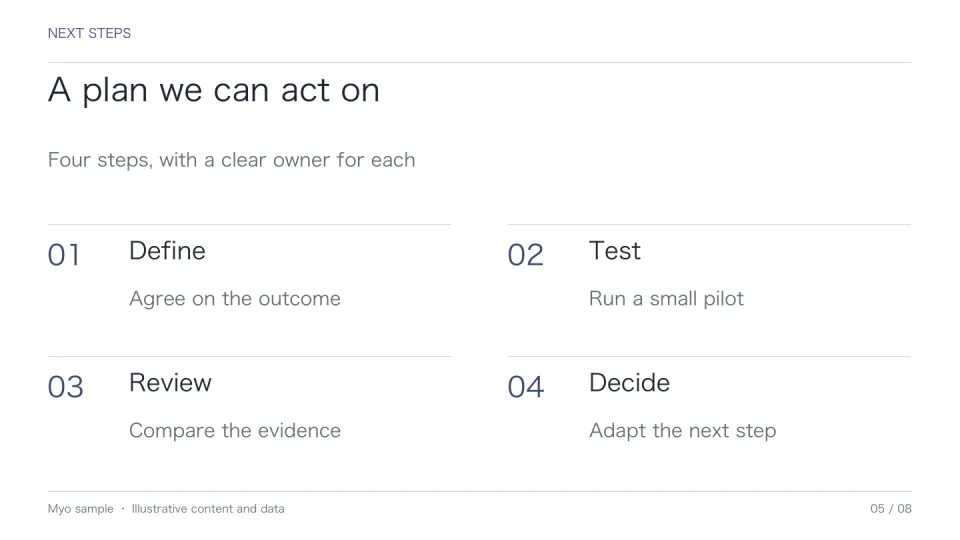
Preview eight original template families, from a decision brief to a research report. Choose the one that fits your material.
Keep control of the content
Edit slide text and chart data, try another style, and export editable PowerPoint slides for your final adjustments.
Your content, your design, your final say.
Bring the document. Myo finds the story.
Paste notes, or import the text of a PDF, Word file, PowerPoint, Markdown or plain text. Preview what was read, add a brief on audience, goal and tone, and Myo plans the slides from your own material.
- PDF, DOCX, PPTX, Markdown and text
- Preview before anything is created
- A brief for audience, goal and tone
Your company deck becomes a template.
Upload a PowerPoint or PDF you already use. Myo turns its pages into layouts and keeps their colors, fonts, logos, tables, charts and photos, so every new topic lands in your house style.
- Upload a .pptx or PDF
- Keeps logos, charts and photos
- Pick which pages become layouts

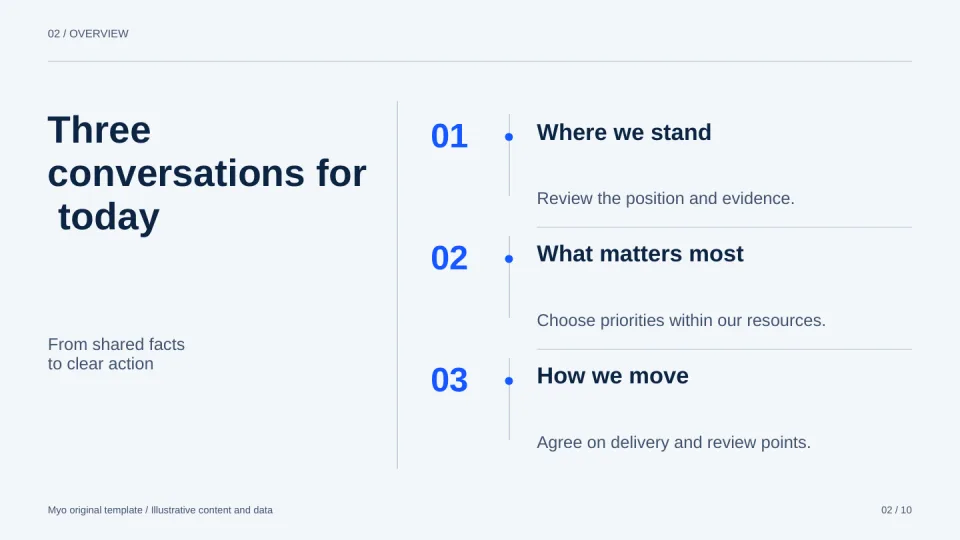
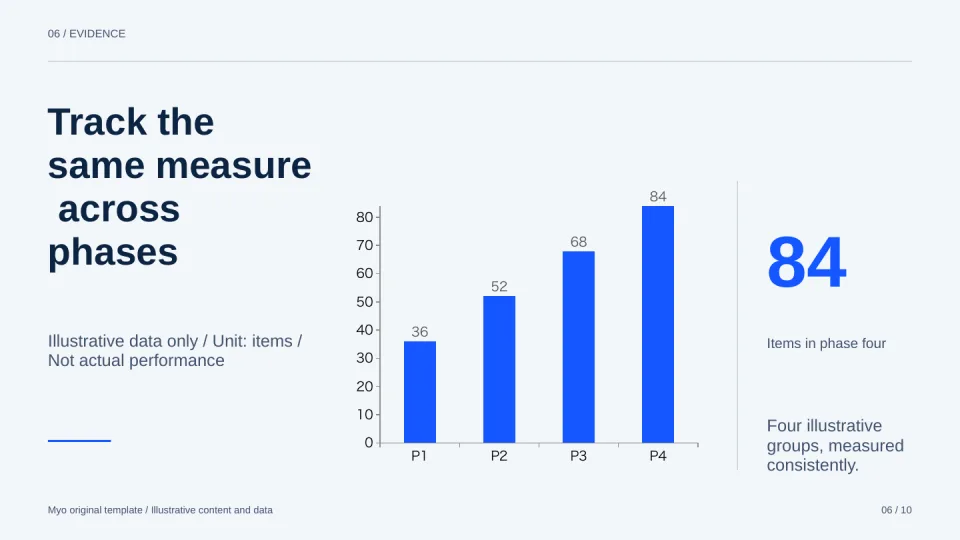
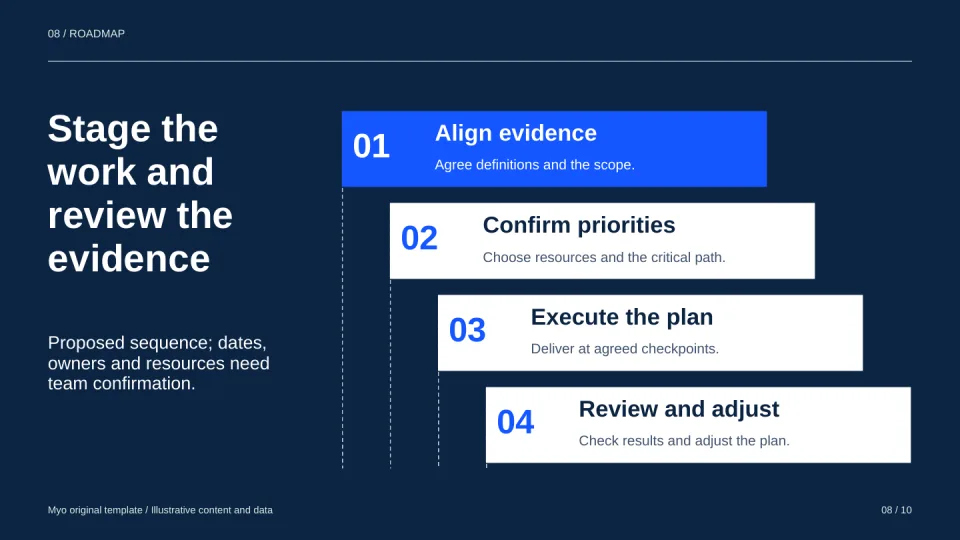
It reads how your content fits together, then lays out each slide.
With AI layout on, your template supplies the colors, fonts, background, cover and closing slide. For every slide in between, AI first works out whether the content is a process, layers, a comparison, causes or a funnel, then draws it with the matching diagram and icons and writes speaker notes. Everything is measured with the real fonts, and text that does not fit is tightened.
- 18 relations, from flows and architectures to matrices, funnels and comparisons
- Brief points with icons
- Speaker notes exported with the PPTX
03 / Growth path
New customers come through three steps
Reach
Content and channels bring visits
Trial
Guide the first project
Paid
Upgrade with usage
Speaker notes: start with the weakest step, then the fix planned for next quarter.
Click anything on the slide and change it.
Change text, update chart data, replace images by pasting, uploading or dropping, and switch a single slide's layout. On Pro, you can also tell AI how to change a slide, with a screenshot if you like. Every change carries into the exported PowerPoint.
- Text, charts and photos on the slide
- Switch any page's layout
- Saved versions you can restore
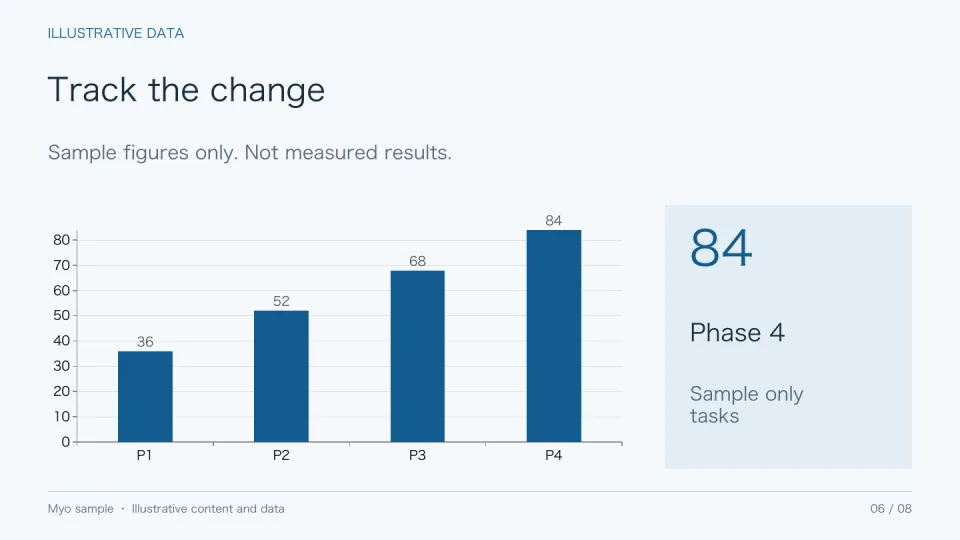
The details that get a deck over the line.
Watch slides being written
Slides stream in one by one as they are generated. Regenerate any page you want to try again.
Text that fits
When content is too long for a layout, Myo tries another, then shrinks or shortens it and flags the slide for you.
Layouts that vary
Automatically chosen layouts change across a deck, and lists hold as many items as your content has.
Brand kit
Save your colors, a Sans or Serif typeface and your logo once, then apply them to any presentation.
Present from the browser
Go full screen and move through your slides with keyboard shortcuts.
View-only links
Share a link anyone can open without signing in. Let it expire, or revoke it at any time.
Work as a team
Shared workspaces with roles, comments for reviewers and version history.
Real PowerPoint files
Native text and charts, not pictures of slides, so you can finish in PowerPoint.
Four languages
Use Myo in English, Chinese, Japanese or Korean, and choose the language of your slides.
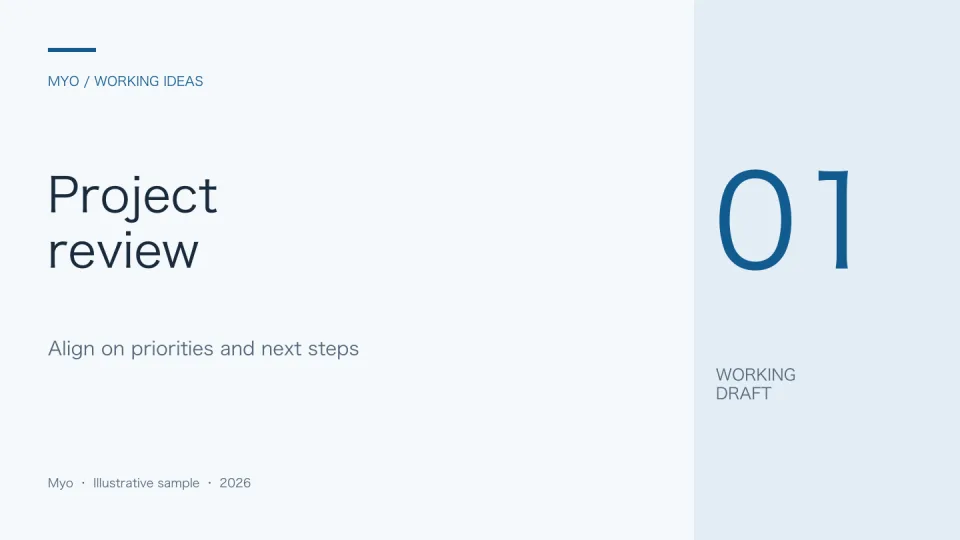
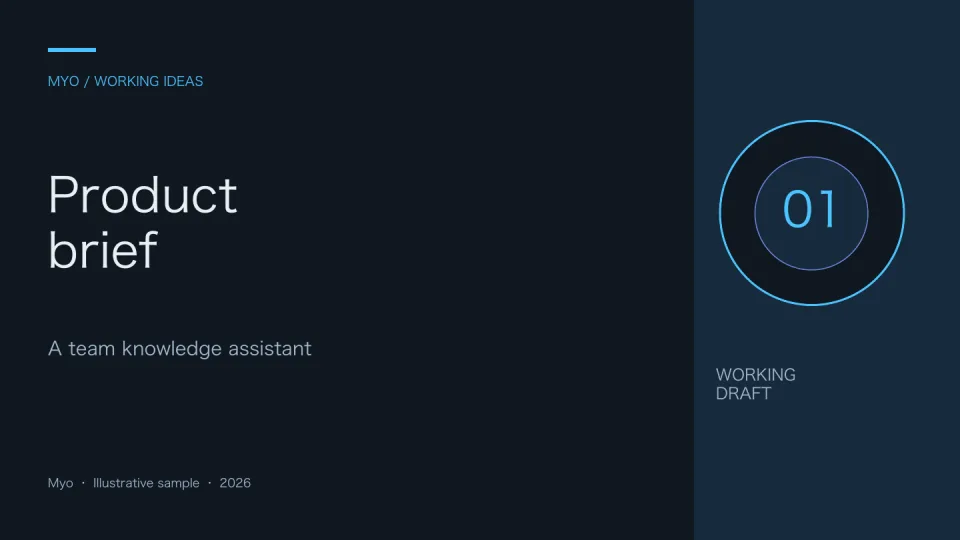
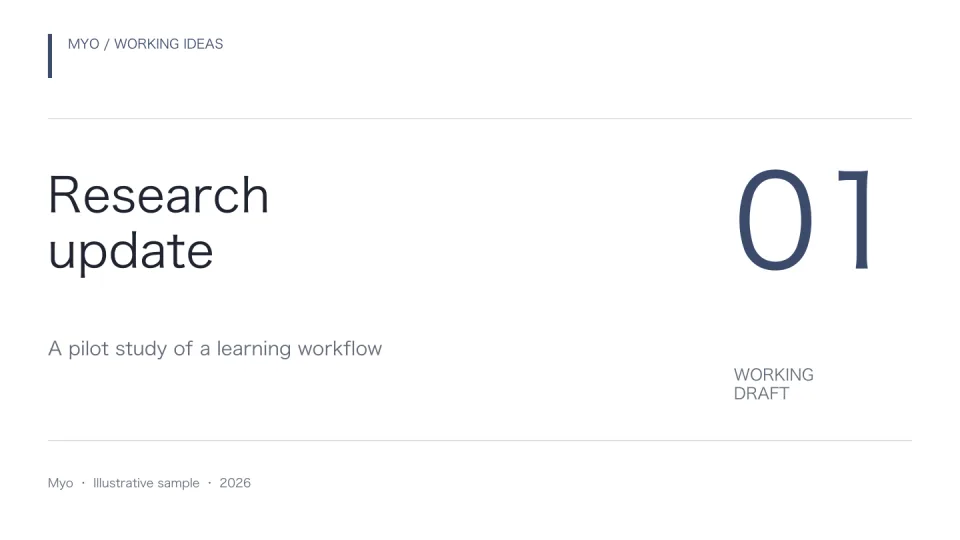
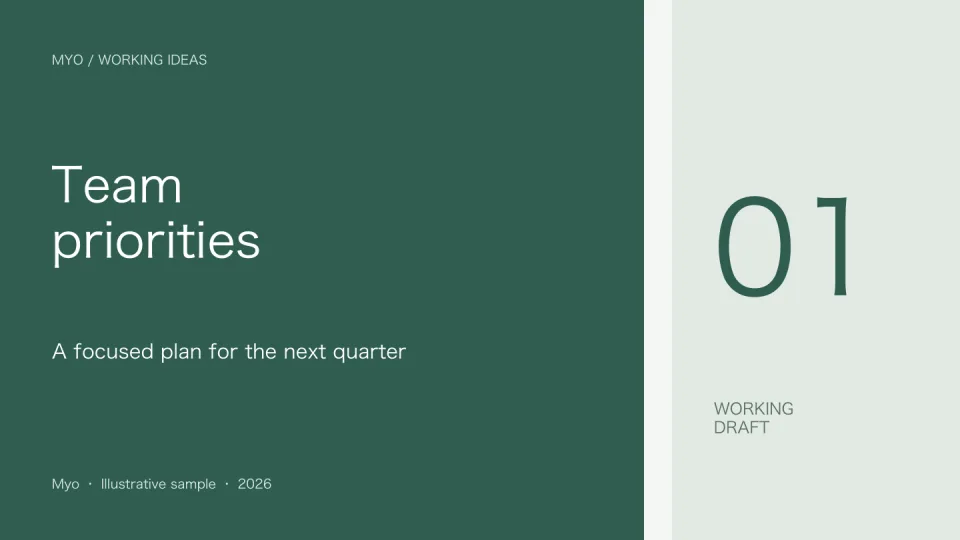
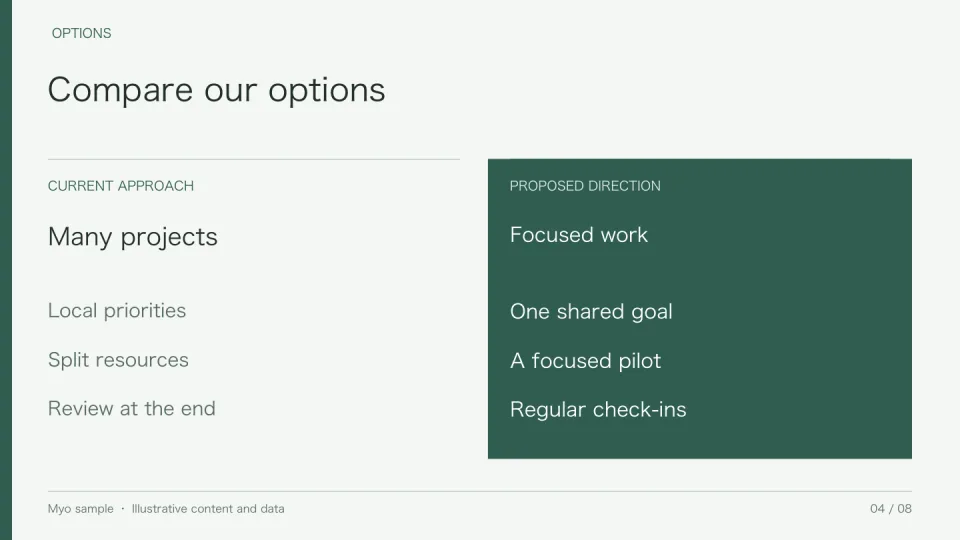
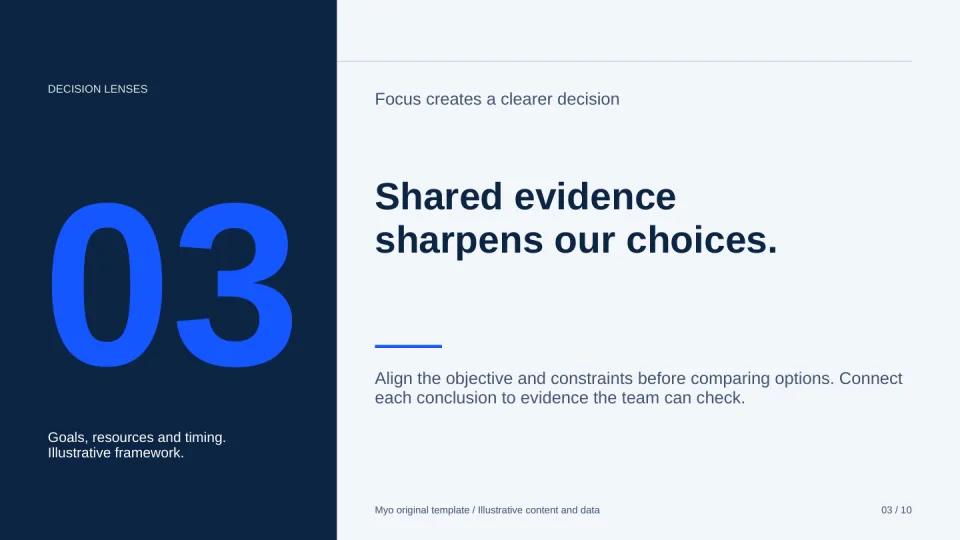
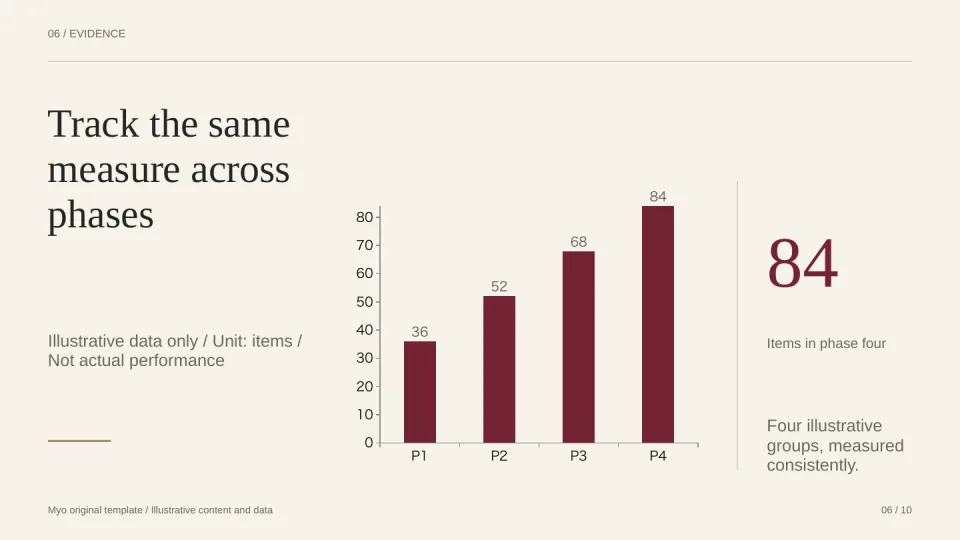
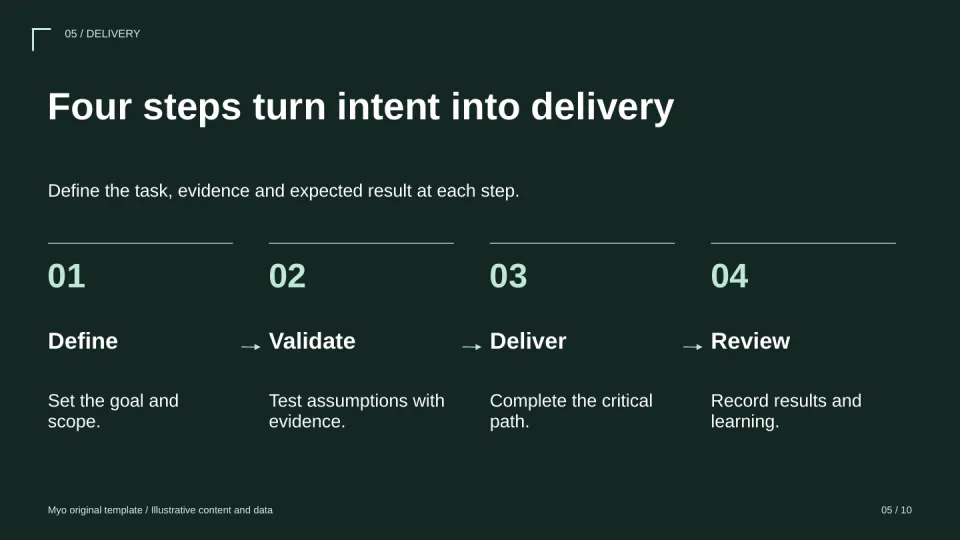
Eight original templates. Plus yours.
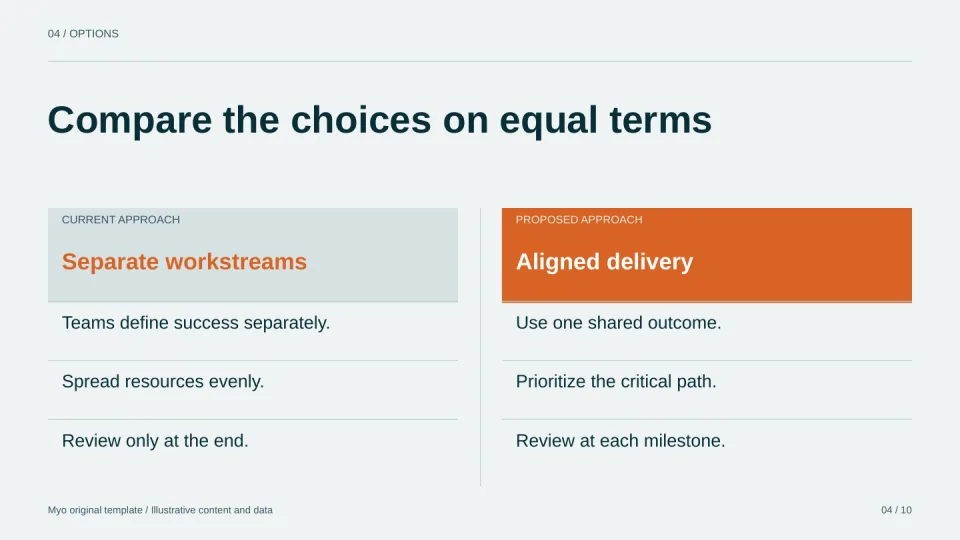
From a decision brief to a research report, each template comes with designed layouts for every part of your story. Open one to see every page.


From working notes to a presentation.
Bring the facts and the point you want to make. Myo helps you give them a clear structure.
- 01
Enter your topic
Enter a topic or paste meeting notes, including your audience, background and key points.
- 02
Confirm the outline
Watch the outline appear, rewrite any title or goal right on its card, drag to reorder, and add or remove slides.
- 03
Generate and fine-tune
Generate slides, review each page, and edit the content. Export an editable PPTX to finish in PowerPoint.
Built for the work you need to present.
Bring your next presentation into focus.
Free accounts can save 5 decks and generate 30 slides per month. No credit card required.
Start creating freeFind a starting point for your presentation
Explore eight original templates, or organize your next project update or meeting recap.