How to generate an AI presentation you can edit
Follow the path from topic to outline, slide review and editable PPTX export, with clear expectations about the editor.
By Myo · Updated
Give the generator a concrete task
Include the audience, purpose, preferred length and facts to preserve. “Introduce our project workflow to new colleagues in about six slides” gives more direction than “make a project presentation.”
Provide verified data alongside context and ask for missing information to be left open. Then check whether the outline serves one clear purpose.
Revise the outline before making slides
Use the outline stage to change order, remove tangents and split long sections. It is easier to repair the argument before generating a complete deck.
Preview completed pages as they become available. If a page fails, keep the existing results and retry that page. Pausing stops subsequent pages after the current page finishes saving; it does not immediately cancel work already underway.
Know what editable means here
Myo lets you edit slide content and export text, charts and other elements in an editable PPTX. The web editor works with templates and content, rather than a free-drag canvas. Use compatible presentation software for precise object positioning.
Check facts, sources and text density before export. Open the result on the presentation device to check fonts and line breaks, which can differ between applications.
Example prompt with clear boundaries
Create a 6-slide introduction for new project colleagues. Include goals, roles, one complete workflow, common questions and where to get help. Leave unknown team details as placeholders; do not invent contacts.
Adapt this example with your own facts and numbers before generating.
Worked example: keep editing after generation
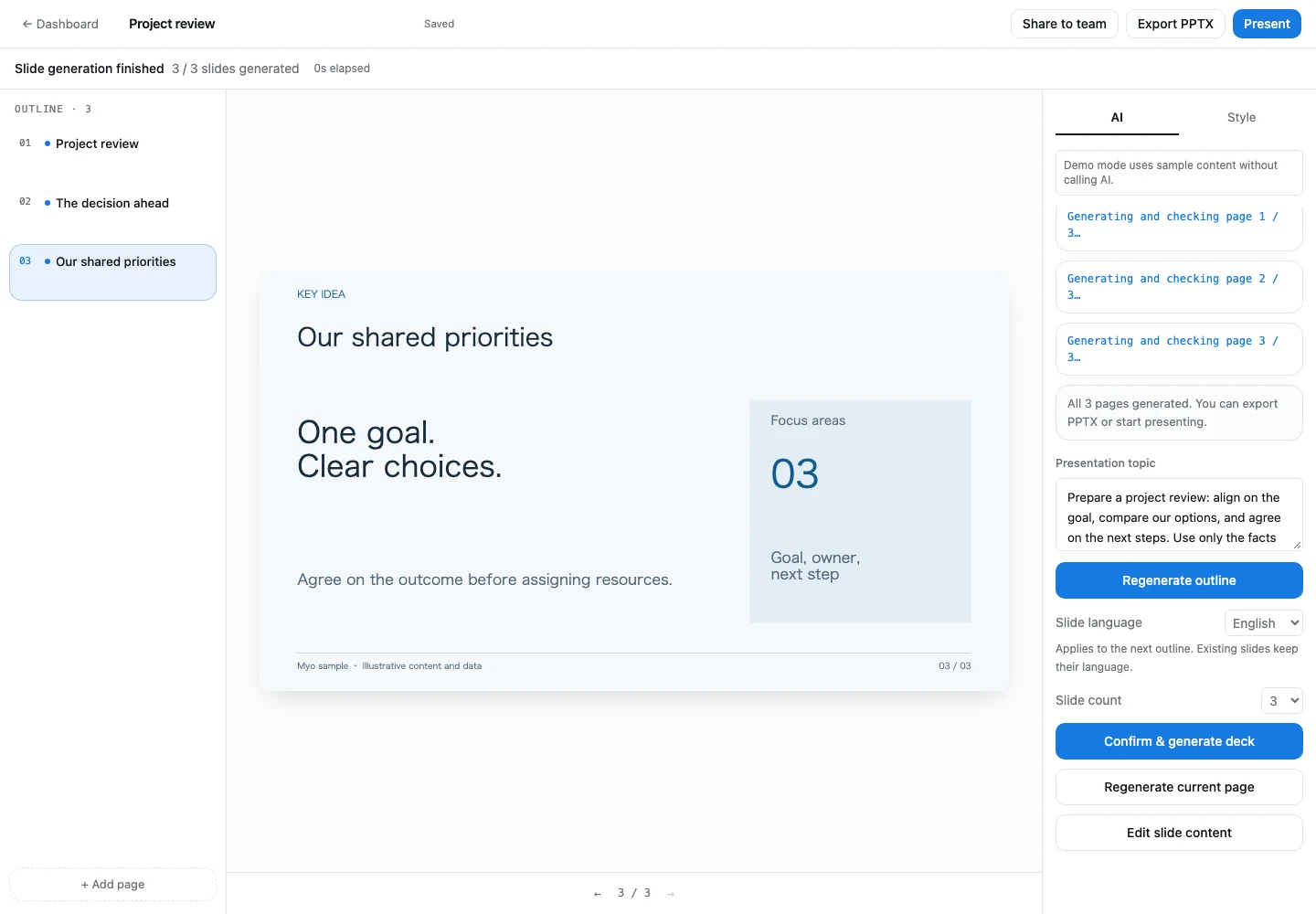
The same three-slide example uses Business Blue; the screenshot shows its manually revised third slide. After generation, choose Edit slide content to change the text, save to refresh the preview, then use Export PPTX in the toolbar. Continue in compatible presentation software for precise object positioning.
 View full-size screenshot (new window)